
Player guide
How to play Mico's Mundo
Everything you need to get going. This guide grows as the game does: new pages appear here as each feature goes live.
Get early access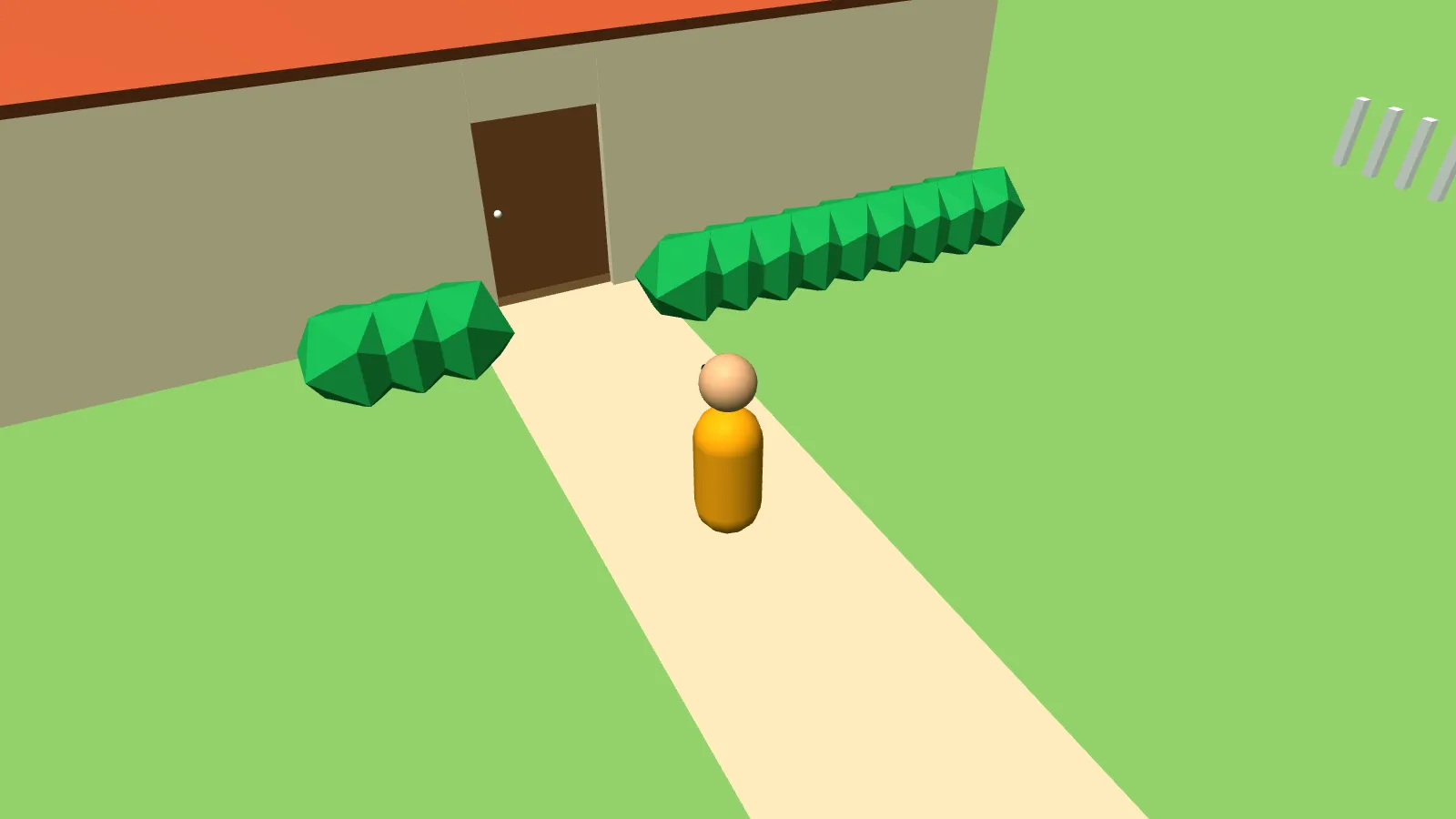
Controls
Touchscreen laptops keep mouse and keyboard controls until you touch the screen.
| Action | Computer | Phone or tablet |
|---|---|---|
| Move | W A S D or arrow keys | Left stick |
| Run | Hold Shift | Push the left stick all the way |
| Jump | Space | Jump button (above the right stick) |
| Look around | Q / E, or drag with the mouse | Right stick |
| Open a door | F | Tap the door button |
| Talk to Mica | Hold T | Hold the talk button, or slide up to lock |
| Full screen | Full screen button | Full screen button (turn your phone sideways) |
Talking to Mica
- Hold the talk button (or T on a computer) and say something. Slide up to lock it for a longer conversation.
- Let go. Mica answers out loud, usually in about a second.
- Choose your level in settings: beginner, intermediate or advanced. You can change it any time.
- Pick what Mica calls you: amigo, amiga or just your name.
- Use the volume slider if she's too loud or too quiet.
The first time, your browser asks for microphone permission. Choose "Allow". Closing the game ends the call.
Tests and unlocking new places
New characters and places unlock along the game's timeline when you pass short language tests. Your first one is in the kitchen: find and name five things. Get four of five right on the first try and Chapter 1 opens.
Didn't pass? No problem. Mica sends you on a practice mission built around what you missed, like going to the store to buy the ingredients you couldn't name. Then try again.
Devices and troubleshooting
- Works on: recent Chrome, Safari, Edge and Firefox on computers, tablets and phones. iPhone and Android apps are planned.
- Mica can't hear me: check that the browser has microphone permission for micosmundo.com, then reload.
- I can't hear Mica: turn up the volume slider and your device volume, and make sure your phone isn't on silent.
- The game feels slow: close other tabs and turn off Low Power Mode on iPhone.
- Turn off browser translation: automatic page translation can give away the answers, so the game turns it off.
Screenshots from the game
-
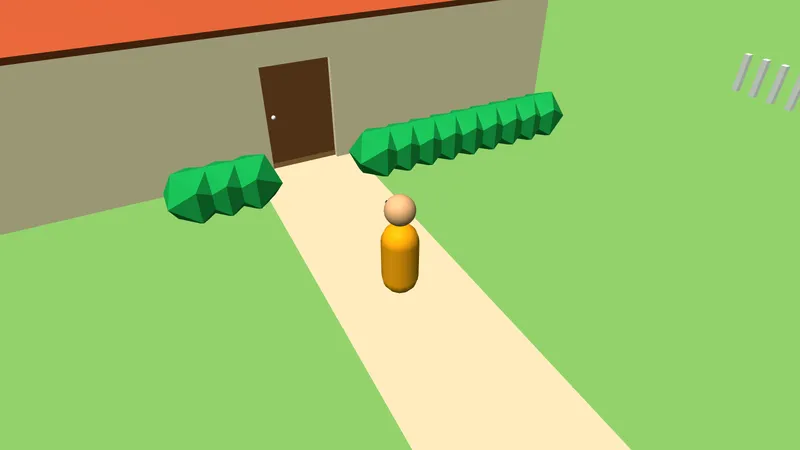
You start at home. -
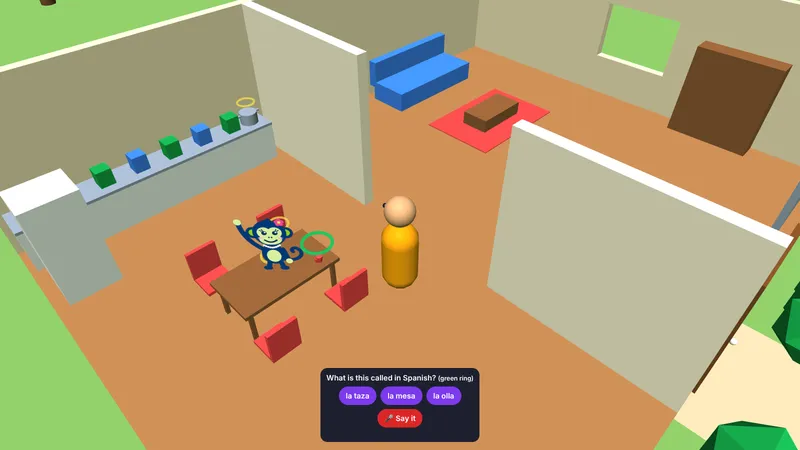
Your first test: name five kitchen items. -
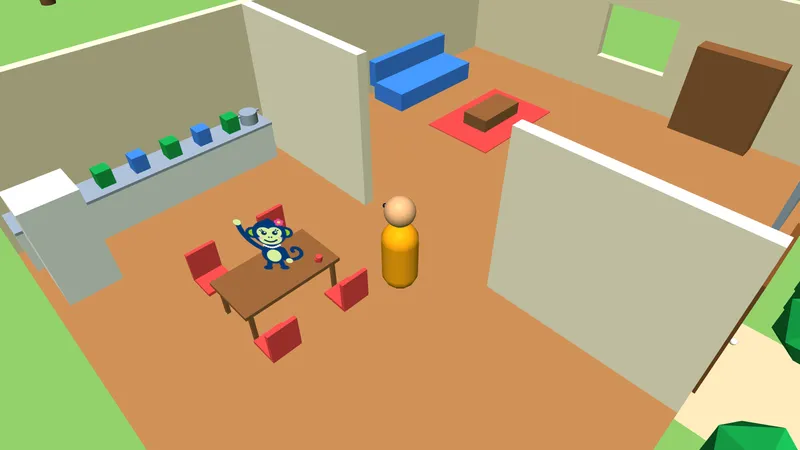
Mica helps you along the way. -
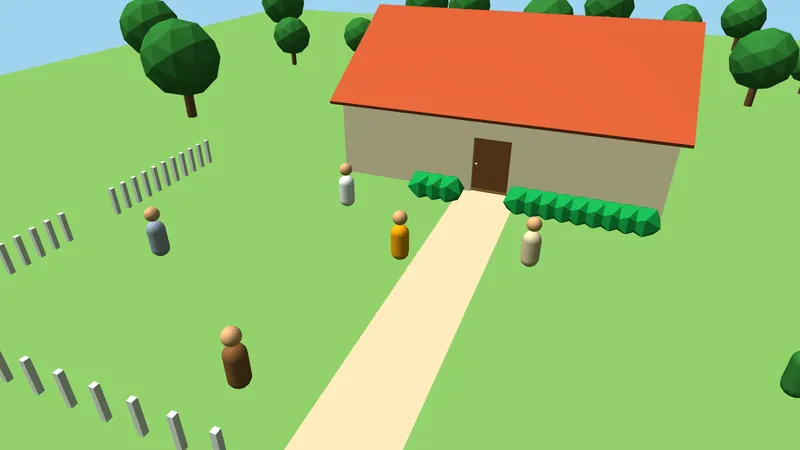
Other players share the world with you (adult paths). -
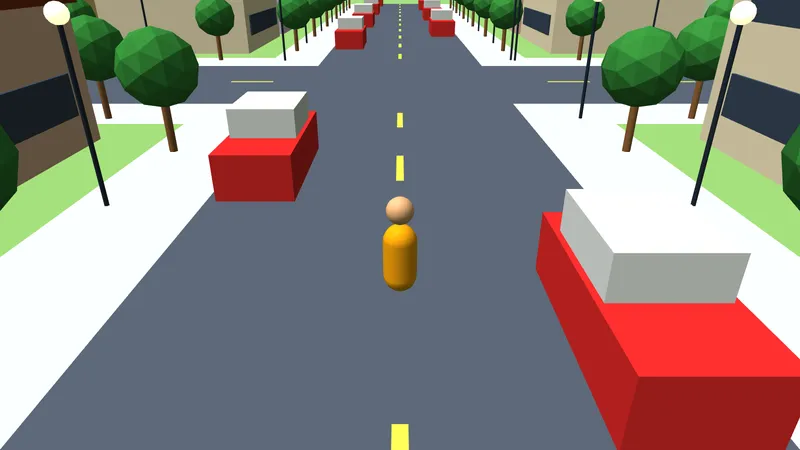
Pass tests to unlock the town.
Early test version. Graphics are a work in progress.
Get early access
Mico's Mundo is in testing now. Join the list and you'll be one of the first to play, with 30 days free.